1. Dashboard Overview
HubOne dashboard is clear and simple to read with three main sections - upcoming meetings, recent engagment activity and recent payment activity:
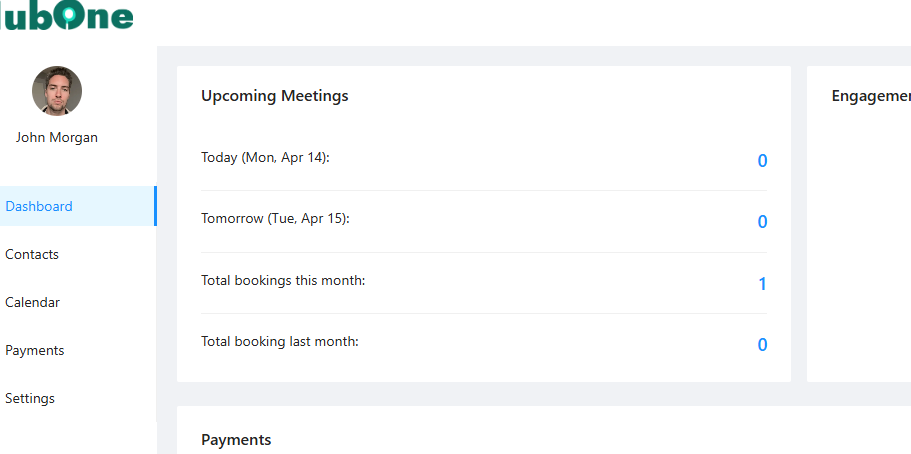
Upcoming Meetings: Quickly see meetings scheduled for today and tomorrow, plus total bookings for the current and previous month.
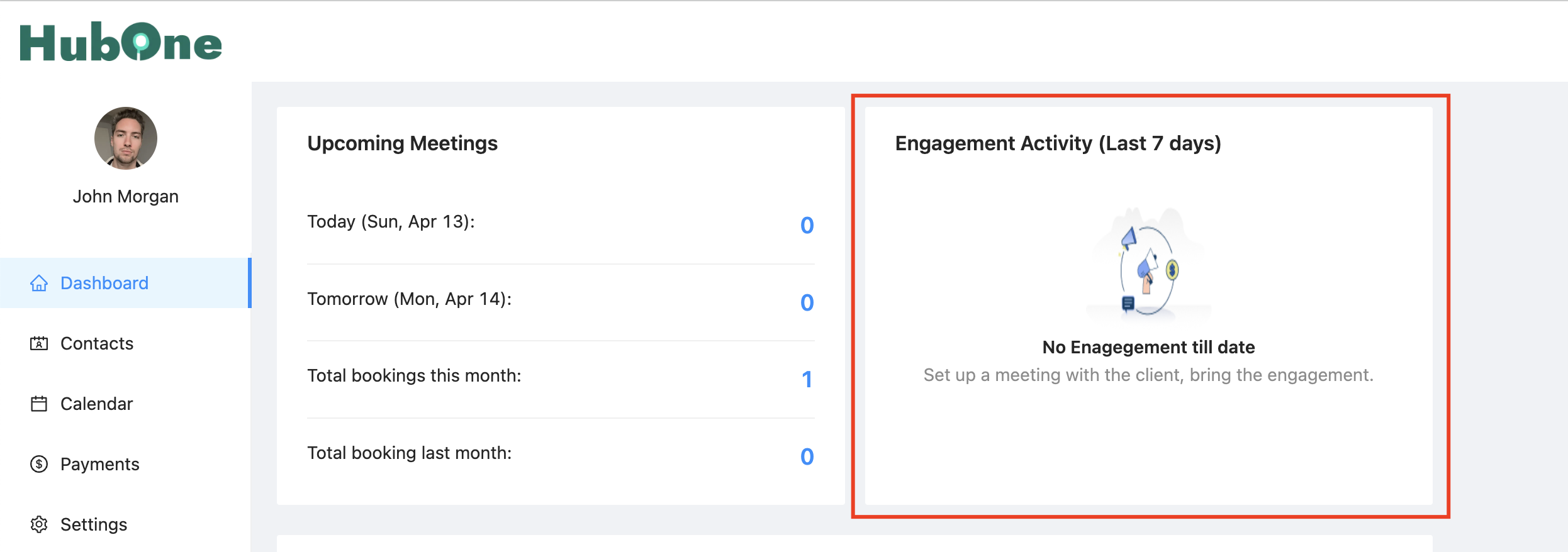
Engagement Activity (Last 7 days): Track recent outreach, currently showing Manual Emails and Manual SMS sent. This section also displays the number of Free and Paid CRM Accounts ("Boss accounts") you have activated/sold recently. More engagement metrics will be added in the future.
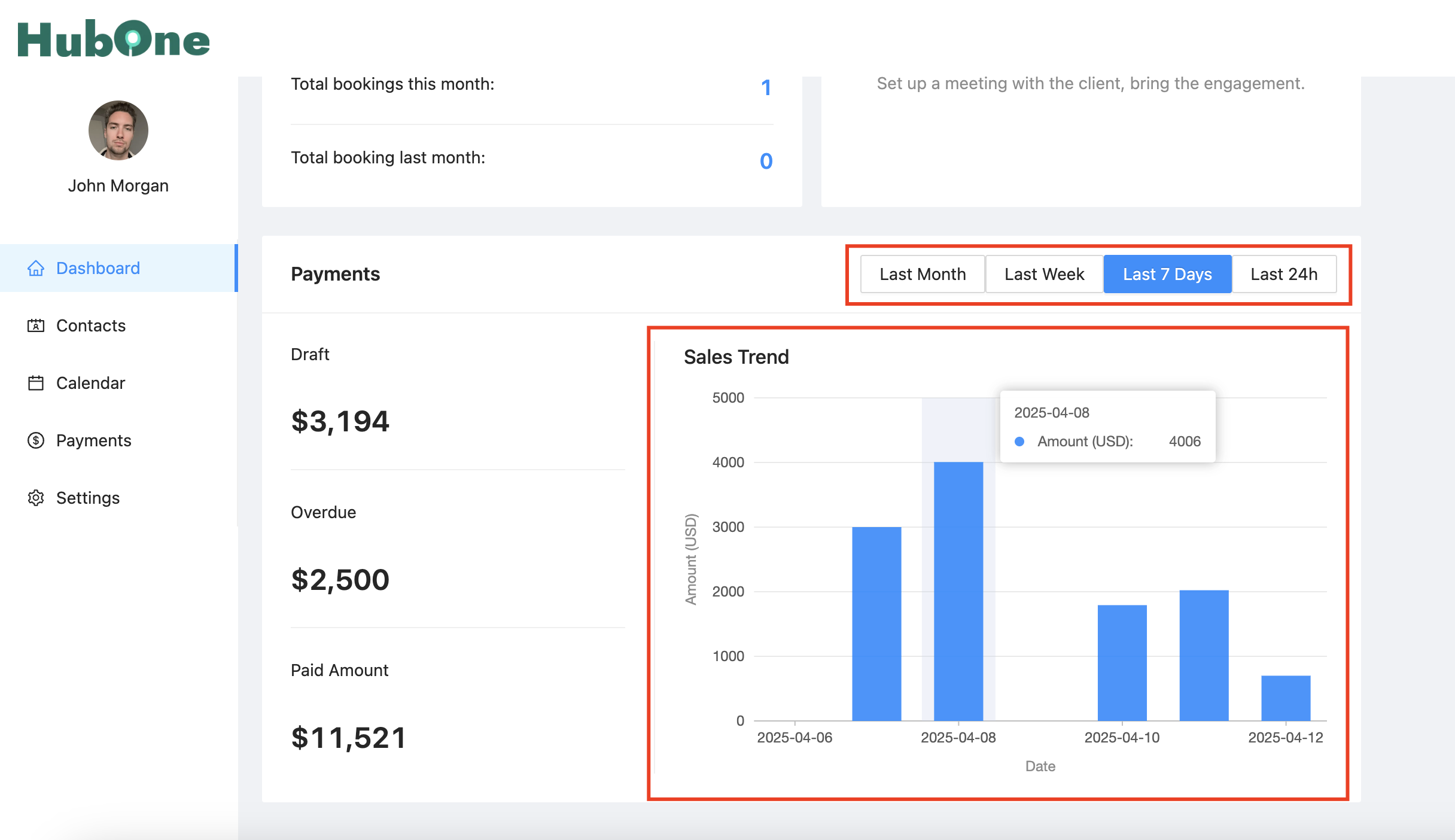
Payments: View key payment statuses at a glance:
- Draft: Total amount of invoices currently in draft status.
- Overdue: Total amount of overdue invoices.
- Paid Amount: Total amount paid based on the selected time filter.
Sales Trend: A visual graph showing sales trends over time. You can filter this view by:
Last Month
Last Week
Last 7 days (Default)
Last 24h